Study that only counts real evidence
A concept moves forward when you answer something you haven't seen before — not when you finish a video.
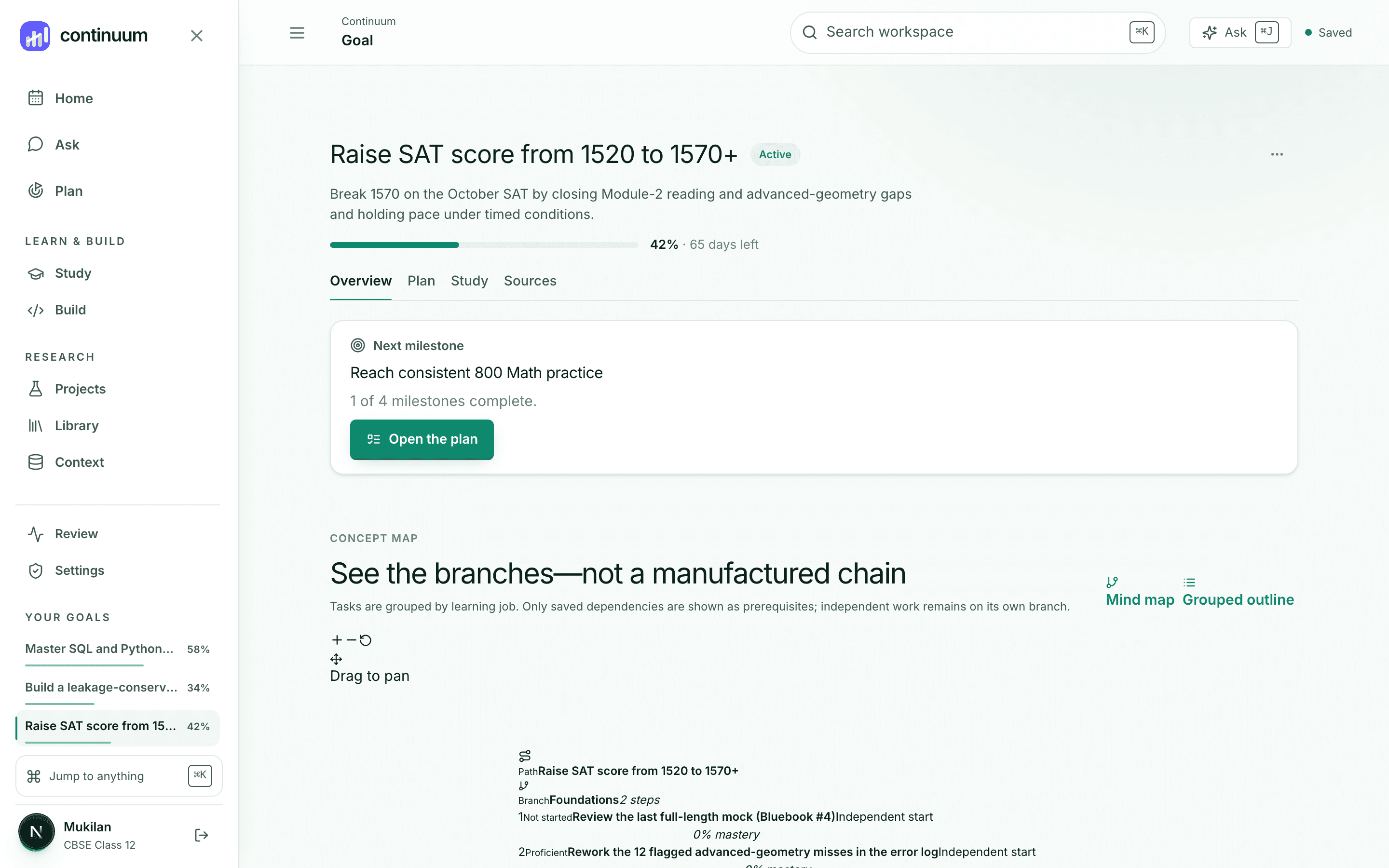
For students and researchers
Continuum keeps your goals, sources, study, and code in one workspace — so when you ask a question, the answer comes from your own material, with the receipts.
No credit card·Your workspace is private·Works with Claude, Zotero, Obsidian
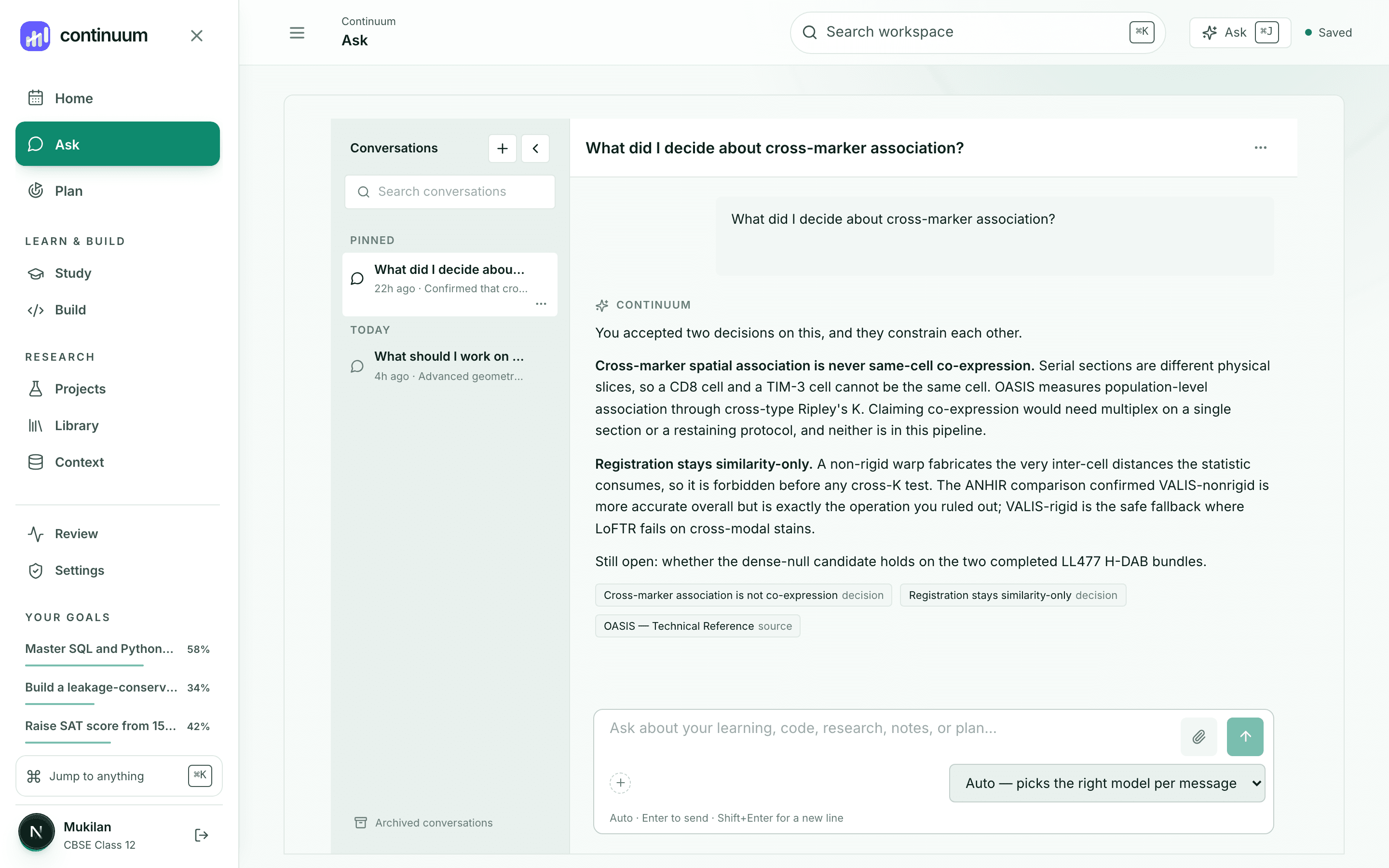
Your reading is in one app, your notes in another, your plan in a third, and your AI chat starts from zero every time. You spend your best attention rebuilding context you already had.
Today
With Continuum
How it works
1Ask in your own words
2Get an answer from your work
3Open exactly what it used
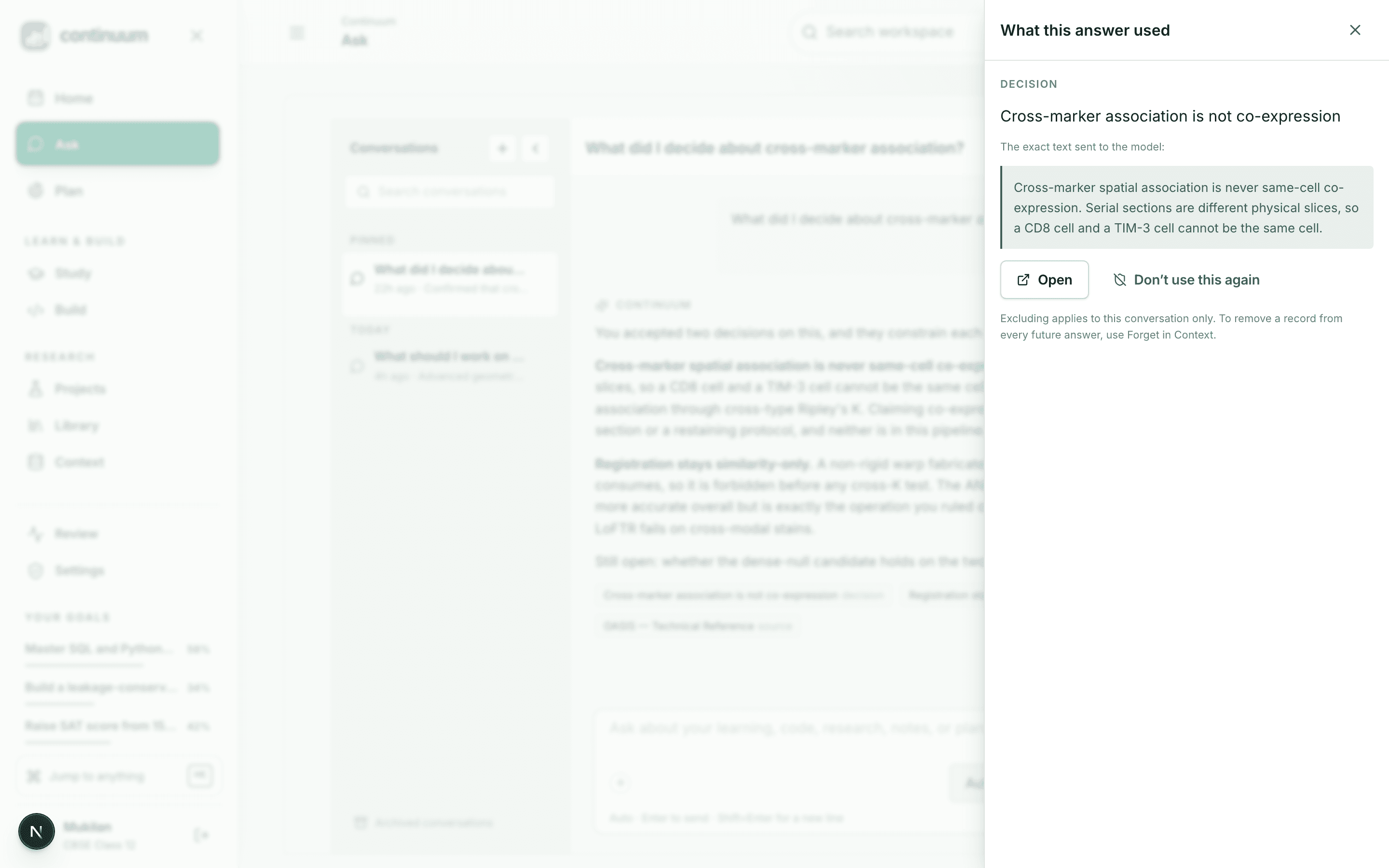
Continuum retrieves only what your question needs, tells you what it used, and lets you open it. Nothing else from your workspace is sent.
What's inside
A concept moves forward when you answer something you haven't seen before — not when you finish a video.
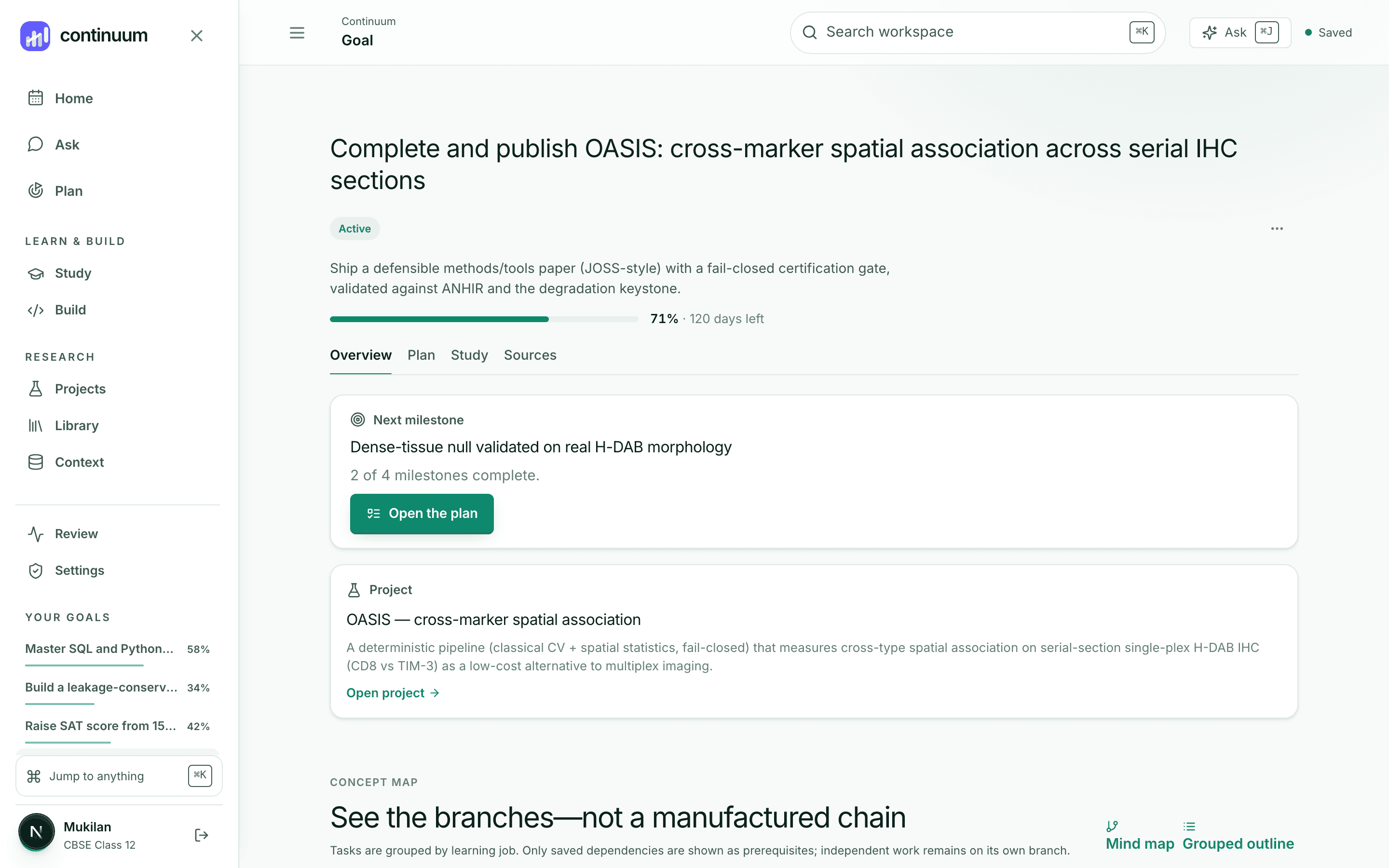
Search 250M+ works through OpenAlex, save what matters to a project, and keep every claim tied to the passage that supports it.
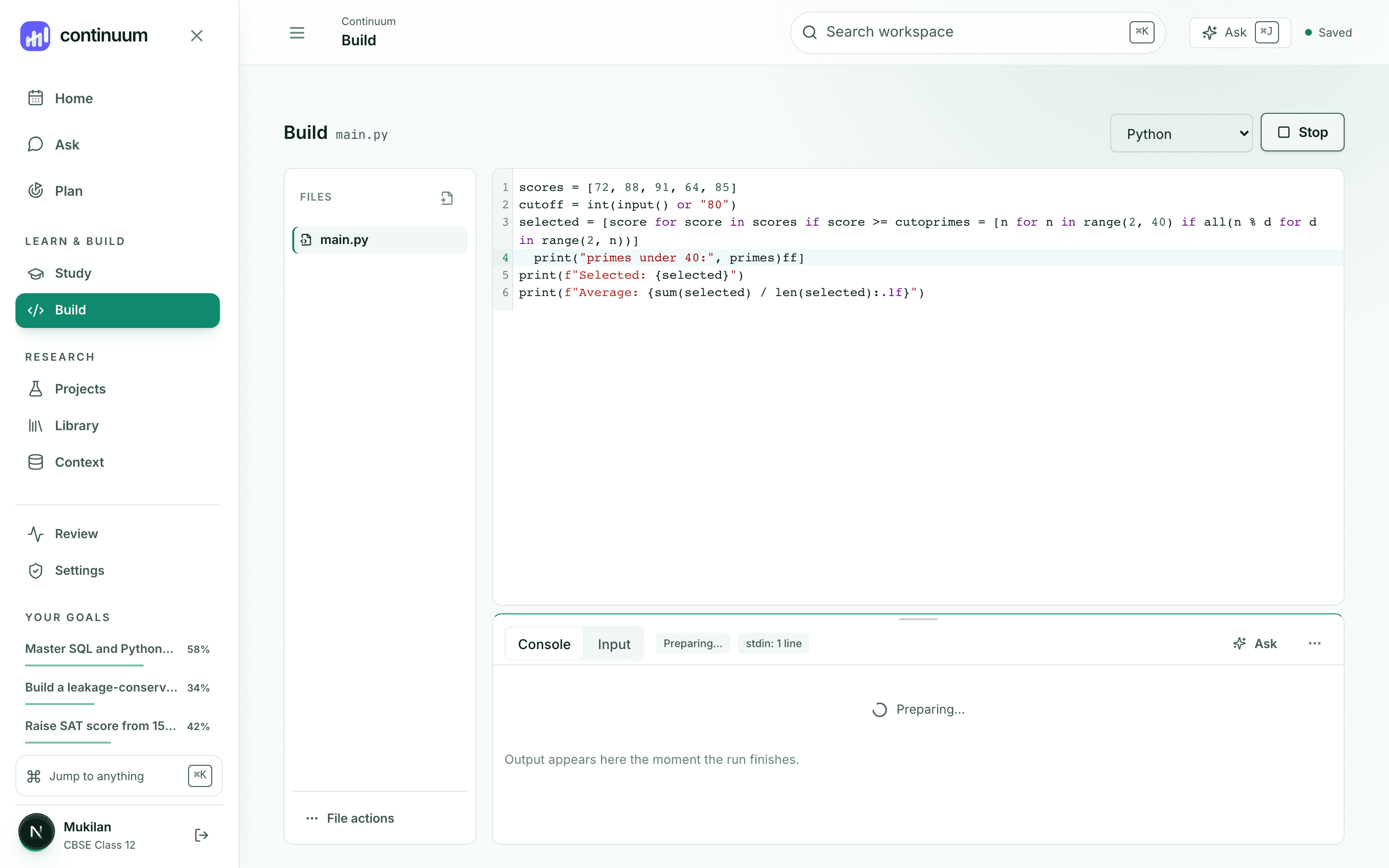
Run Python, JavaScript, TypeScript, and SQL in the browser. Ask for help and the answer uses your actual error, not a guess.
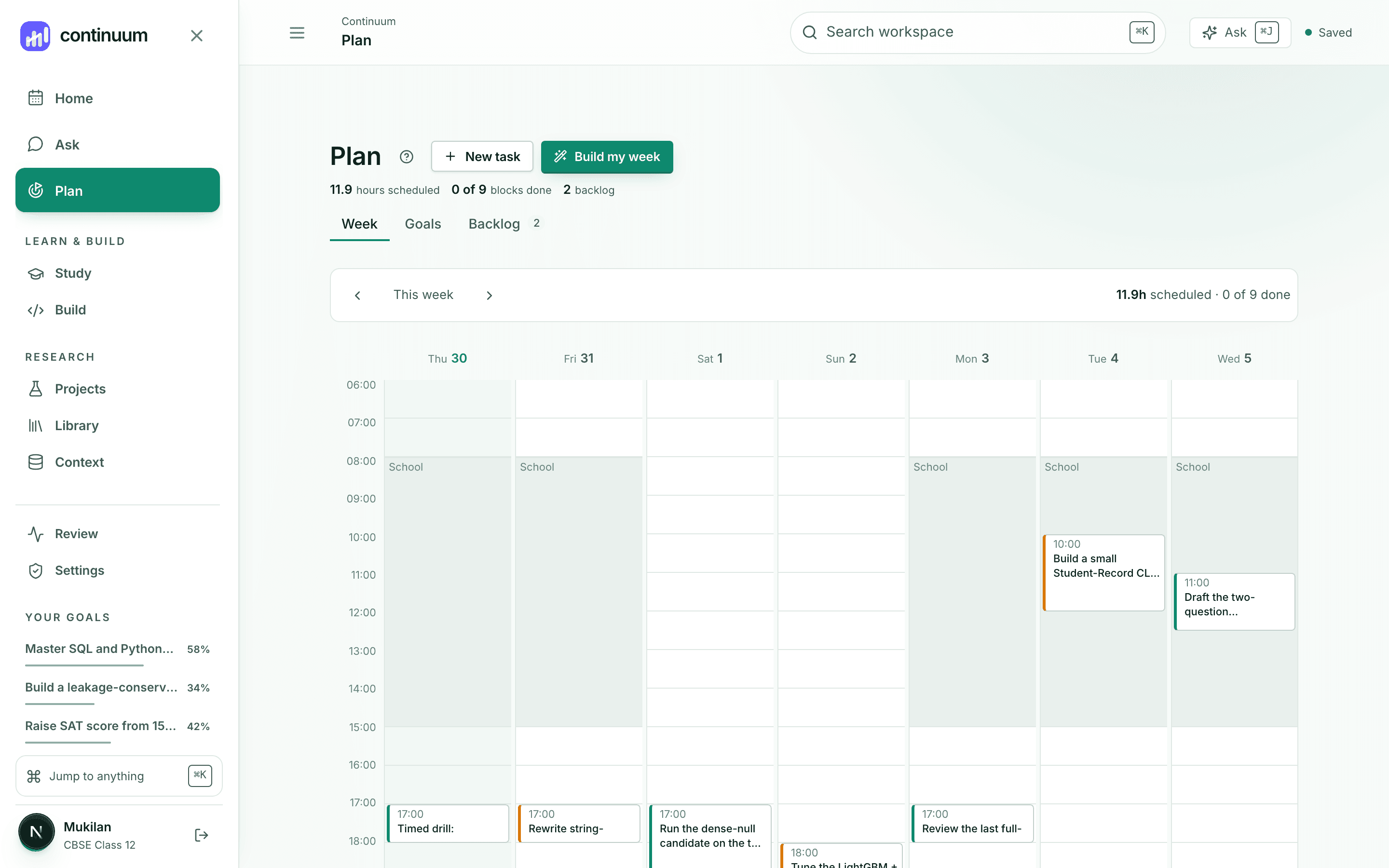
Tell Continuum when you're free. It drafts a week from your real deadlines; you edit it before anything is saved.
Connections
Ask Claude about your Continuum work through a secure connection you approve and can revoke.
You approve each permissionBring your library in and use it as evidence.
Needs your API keySync notes to a folder you choose. Continuum never touches the rest of your vault.
Folder you pickSearch the open scholarly graph. Works with no setup.
Working — no setup neededMore coming — we'll say so when they're real.
Control
Read compact context that helps Claude continue your work.
Read upcoming study blocks and fixed commitments.
Create schedule suggestions for you to review.
Save schedule changes only after confirmation.
The demo is a complete student workspace — real sources, a real plan, real conversations. Nothing to set up.